How is this different from the native Milestone I/O driver?
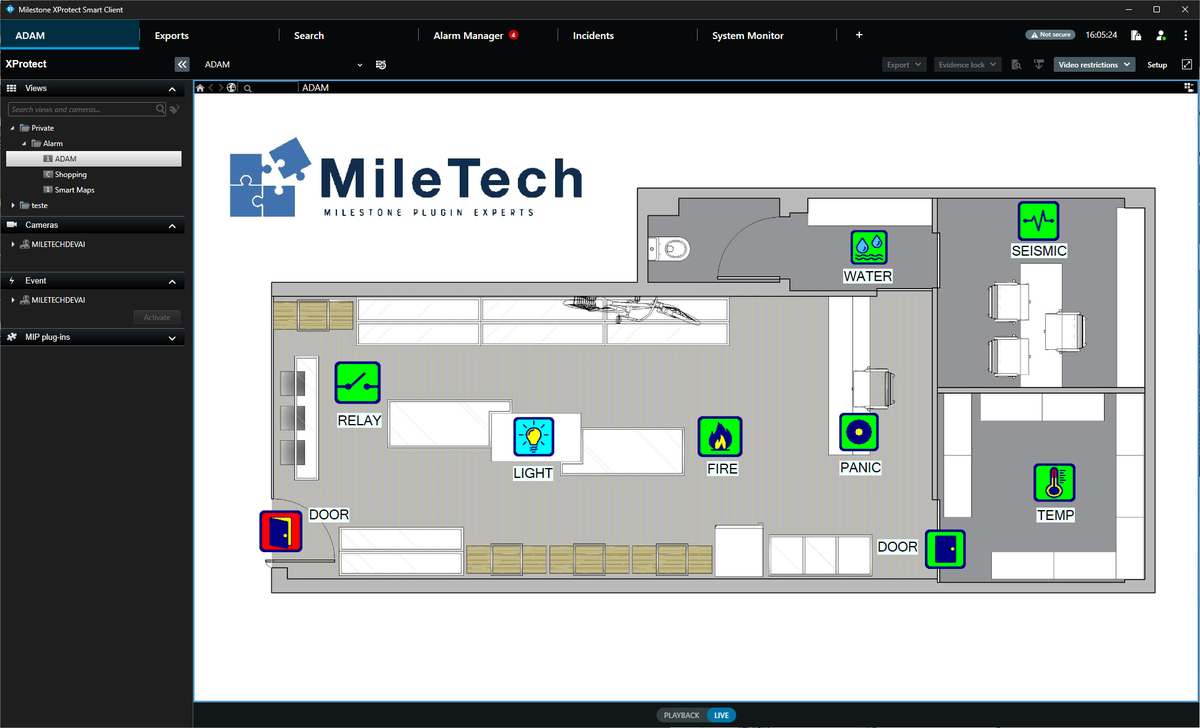
The native driver treats every ADAM input and output as a generic digital point. The MileTech ADAM Plugin adds a function layer on top: a dedicated icon per alarm type, colour-coded real-time status on the map, and one-click output control, all without any middleware.
Which ADAM modules are supported?
The ADAM-6050, 6051, 6052, 6060, 6066, 6250, 6251 and 6266 modules. Each connects over Modbus/TCP, with automatic reconnection if the network drops.
Can I connect multiple ADAM modules?
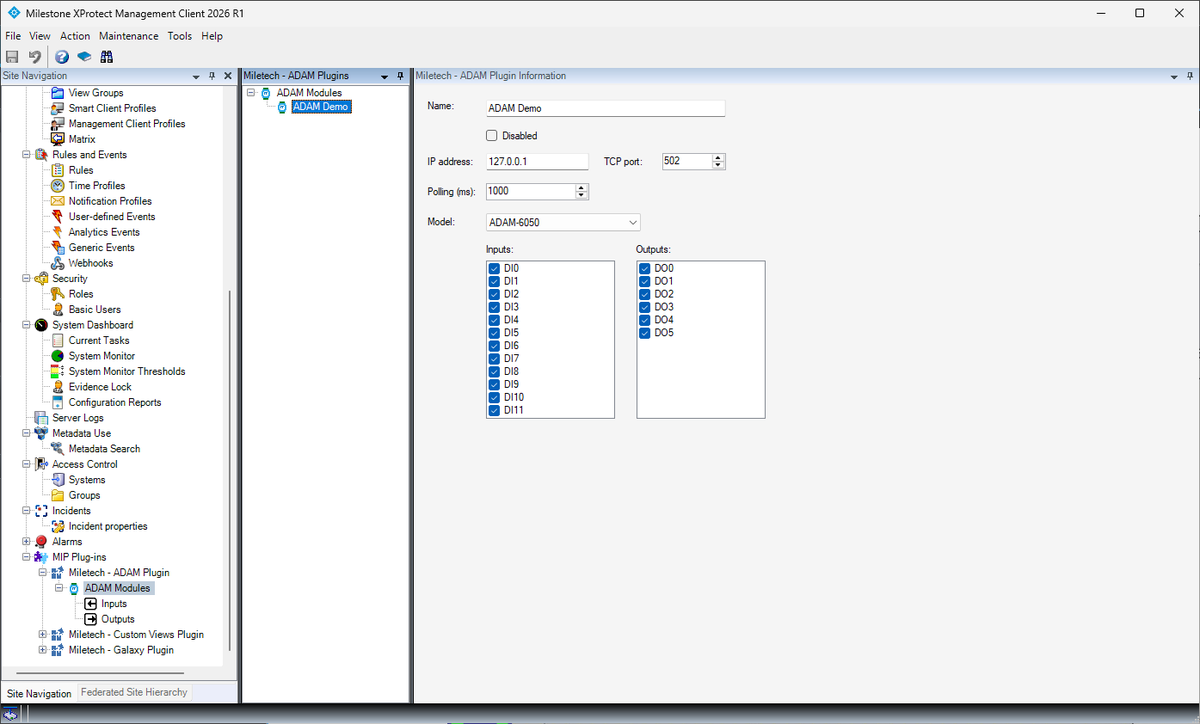
Yes. Each module is configured as a separate device in the Management Client. You can connect as many modules as your licence allows, and place their inputs and outputs on the same Smart Client maps.
Can operators trigger outputs, like a door release?
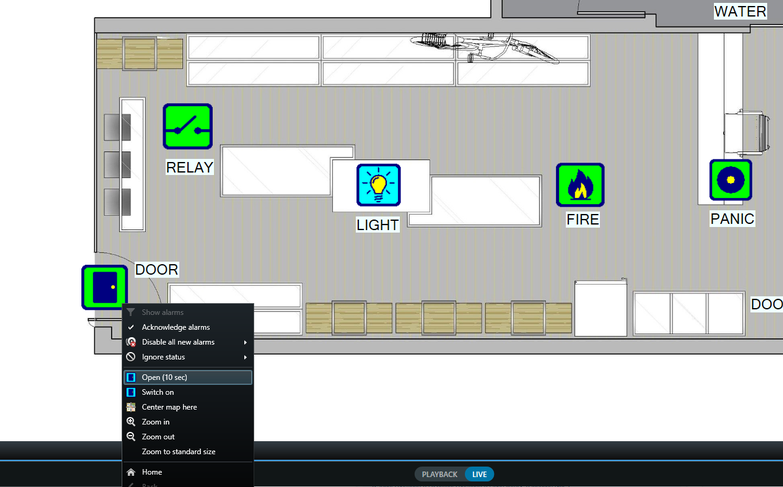
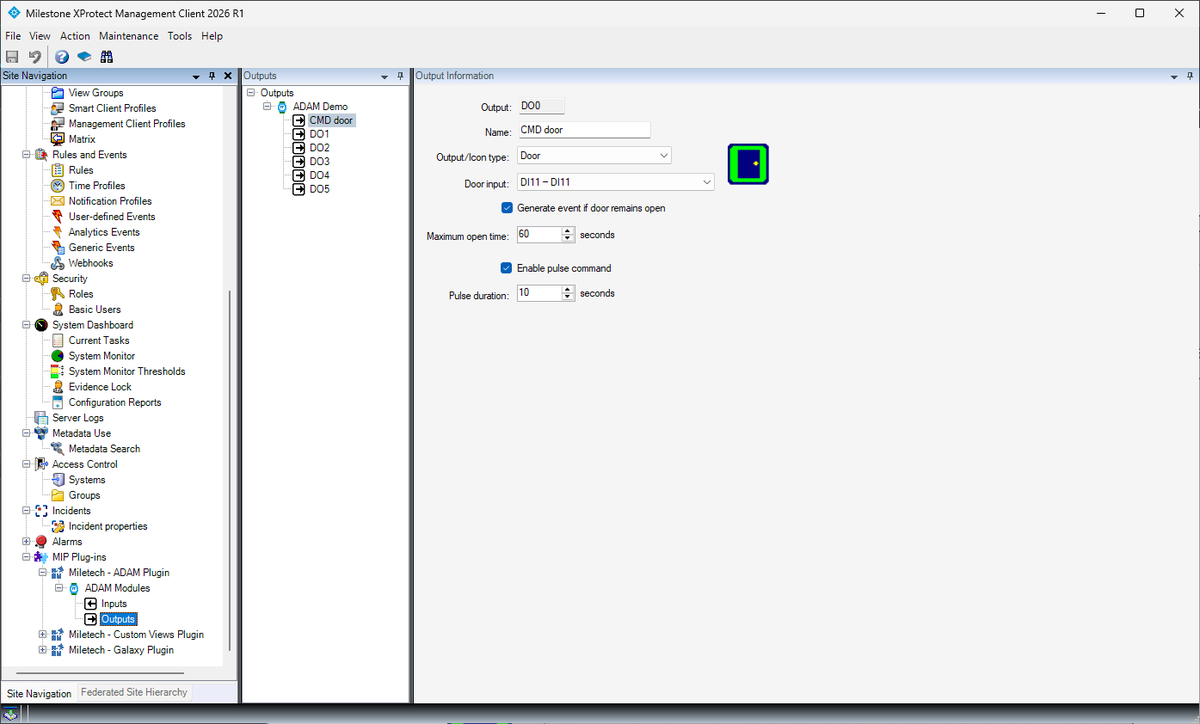
Yes. Outputs can be switched on/off or pulsed for a set number of seconds, ideal for a door release or a similar momentary action, from the Smart Client map or from an XProtect rule.
What happens if the connection drops?
The plugin includes automatic reconnection logic. An event is raised in XProtect when the connection to a module is lost and automatically re-established on recovery.
How does licensing work?
The plugin runs as a free 30-day trial for up to 2 ADAM modules. After that, a licence file unlocks more modules, no internet connection required. Contact us to purchase licence keys.
Does the plugin use an XProtect device licence?
No. It runs as an Event Server plugin, not as a hardware device, so it doesn't consume one of your Milestone device licences.
How do I install the plugin?
Run the installer (.exe), which places the plugin DLL into the MIPPlugins folder. After installation, restart the Milestone services (Event Server and Management Client). The plugin will appear in the Management Client sidebar, ready for configuration.